A missed call looks small on a call log. It can represent a much larger problem.
The caller may have been ready to book a service, request a quote or speak with sales. If nobody answers, the next step often depends on someone noticing the missed call, finding time to call back and remembering to record the result.
That is a workflow problem, not just a phone problem.
Capture the call as a business event
The first improvement is to treat the call as an event that can create work.
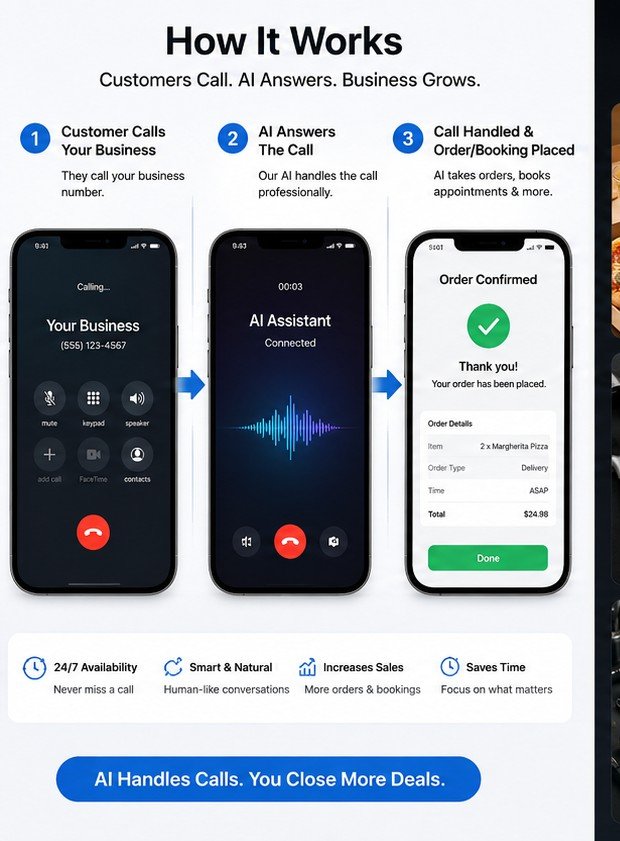
With SpaceTracker AI Business Calls, the caller can speak with an AI agent when the business cannot answer directly. The agent can ask what the person needs, collect contact details and identify the correct department.
The result should be structured. A sales inquiry should not end as a paragraph in a transcript. It should create a lead with the service requested, urgency, timing and next action.
Check whether the customer already exists
Before creating another record, the system can look for an existing customer by approved identifiers such as phone number or email.
If the caller is returning, the agent can use permitted history to understand the context. An existing appointment or open support issue changes what should happen next.
This is one reason [[CRM integration|/services.php#crm]] matters. The phone system should add to the customer history rather than create a separate history of its own.
Book only against real availability
If the caller wants an appointment, the agent can check the connected calendar and offer available times.
The sequence matters:
1. Ask which service is needed. 2. Ask for the preferred day or time range. 3. Check live availability. 4. Offer a small number of real options. 5. Repeat the selected time. 6. Wait for confirmation. 7. Create the booking.
The agent should not invent a time or claim that something is booked before the calendar confirms it.
Create ownership for anything unfinished
Not every call can be completed immediately. The caller may need a custom quote. The right employee may be unavailable. The request may require manager approval.
In that case, the system should create a task with an owner and due time.
Connect Workforce Live can receive that task and assign it to a sales employee, scheduler, support employee or another role. The important part is that the request remains visible until someone closes it.
Let the customer know what happened
A confirmation message can reduce uncertainty. It might confirm an appointment, provide a ticket number or explain that someone will call back.
The message should match what the system actually completed. If a callback task was created, do not phrase it as a confirmed appointment.
Measure the result of the call
The useful report is not just how many calls the AI answered. It is what happened after those calls.
A business may want to know:
- how many missed calls became leads
- how many leads received follow-up
- how many appointments were booked
- how quickly open callbacks were completed
- which call types needed human escalation
- how many callers became paying customers
Those measures connect the phone system to business performance.
A missed call is a good example of why a complete digital business system matters. The phone, CRM, calendar, workforce and reporting layer all participate in one customer outcome.
Need a practical first step?
Start with one customer or employee workflow that creates a clear business result.
Start a project request